Every capability, one Tag Helper.
CoreUpload 5.3 ships the self-hosted Companion broker, 6 cloud sources, headless hooks for React/Vue/Svelte/Angular, a content-aware image editor with AVIF/WebP output, seven transport strategies, IndexedDB-backed resume, and a pluggable provider architecture - all configured from DI and Razor.
What's new in 5.3
Headline releaseServer-side cloud tokens, headless UI, and a pro image editor.
A self-hosted Node/Express OAuth and file-proxy broker (multipleupload/server/companion) with zero new dependencies. Provider client secrets and access tokens stay server-side. Built-in Dropbox, Box, Drive, OneDrive; proxy and server-to-destination transfer modes; HMAC-signed OAuth state; pluggable token store; built-in fileSystemDestination.
Drive, Dropbox, OneDrive, Box (now first-class), Unsplash (search and import, no OAuth popup), and the Companion broker.
useUploader() for React and Vue, a use:uploader action for Svelte, and an UploaderService for Angular return files, progress, status, and actions for fully custom UI.
Content-aware focal-point smart-crop (edge-energy, no ML), draggable text and sticker overlays, filter presets (Mono/Sepia/Warm/Cool/Vivid), an EXIF info panel, and crop-ratio quick-pick chips.
Export to AVIF or WebP with a quality slider and graceful AVIF to WebP to JPEG fallback. URL-based transforms via transformUrl() are honored server-side through a pluggable IImageTransformer — resize, fit, format, quality, crop, blur, gravity (incl. smart/face), rotate, flip, grayscale, and text watermark.
Per-file rename UI, a restore prompt to resume incomplete uploads, whole-page drop with form auto-attach, locale auto-detect across 30 locales with RTL, and ARIA live-region announcements with a new standalone aspectRatio validator.
Transport & upload strategies
Seven built-in transports selected via a single strategy option, including direct-to-GCS resumable. Register custom strategies with CoreUpload.registerStrategy().
single
One POST
Traditional multipart/form-data POST - ideal for small files and simple forms.
chunked
Server-side chunked
Splits the file into parts, uploads with parallel concurrency, per-chunk retry with exponential backoff, and server-side assembly.
s3
Direct-to-S3 multipart
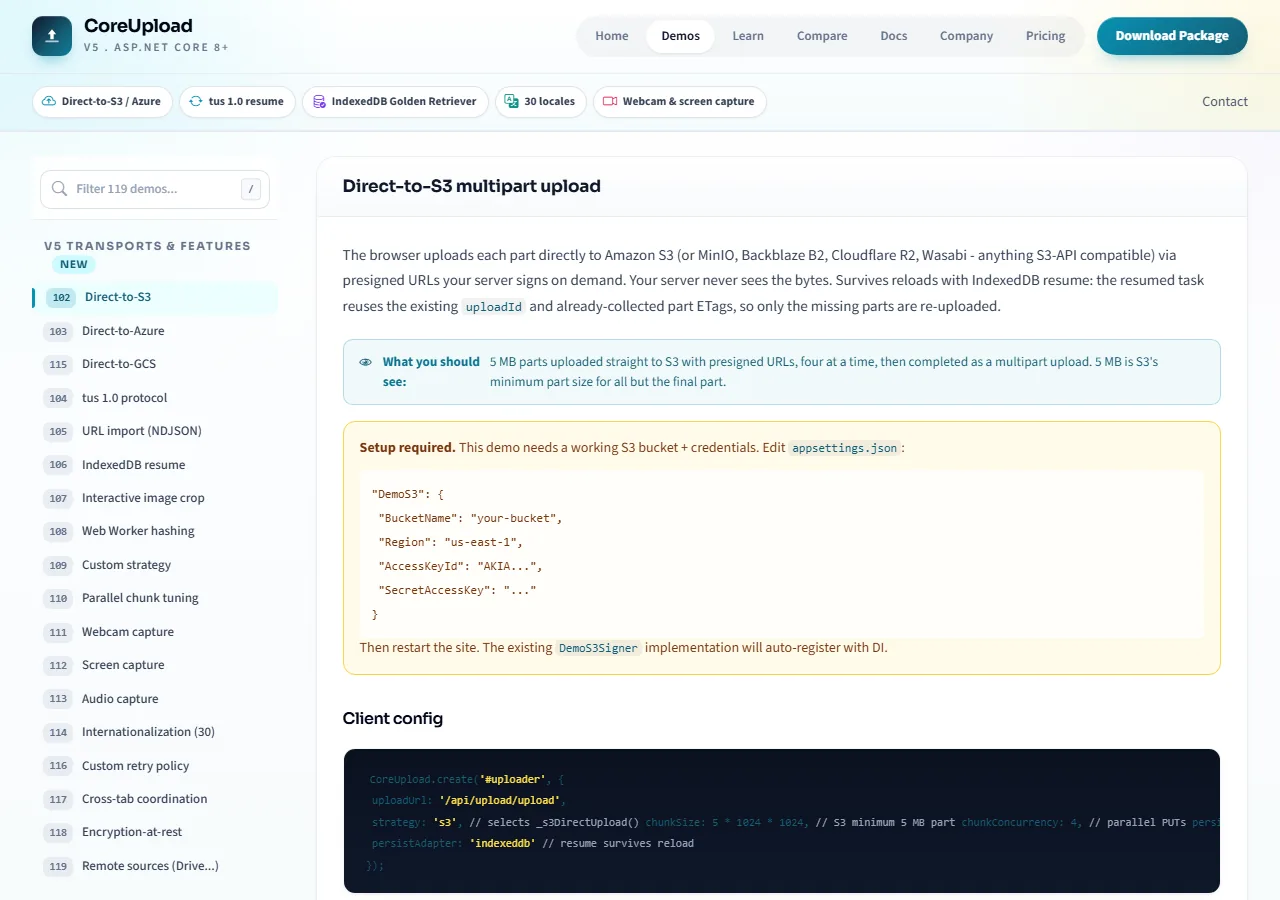
Browser uploads each part directly to Amazon S3 (or MinIO, Backblaze B2, Cloudflare R2, Wasabi) via your server-signed presigned URLs. Your server never sees the bytes.
azure
Direct-to-Azure Blob
PutBlock + PutBlockList against a pre-signed blob SAS URL. Same pattern as S3 - client does the work, server just signs.
tus
tus 1.0 protocol
Zero-dependency tus 1.0 client with Core + Creation + Termination extensions. Interop with tusd, uppy-companion, and any tus server.
gcs
Direct-to-GCS resumable
Google Cloud Storage resumable upload protocol. The server initiates the session via IGcsSigner; the browser PUTs chunks with Content-Range headers. Bytes never traverse Kestrel.
urlImport
Server URL import
Paste a URL; the server fetches it and streams through your provider. Client sees live NDJSON progress events during the fetch.
Resume & reliability
Every in-flight upload persists to IndexedDB automatically. When the user returns, the task rehydrates with its strategy, server-side session handles, and progress intact - then continues from where it stopped.
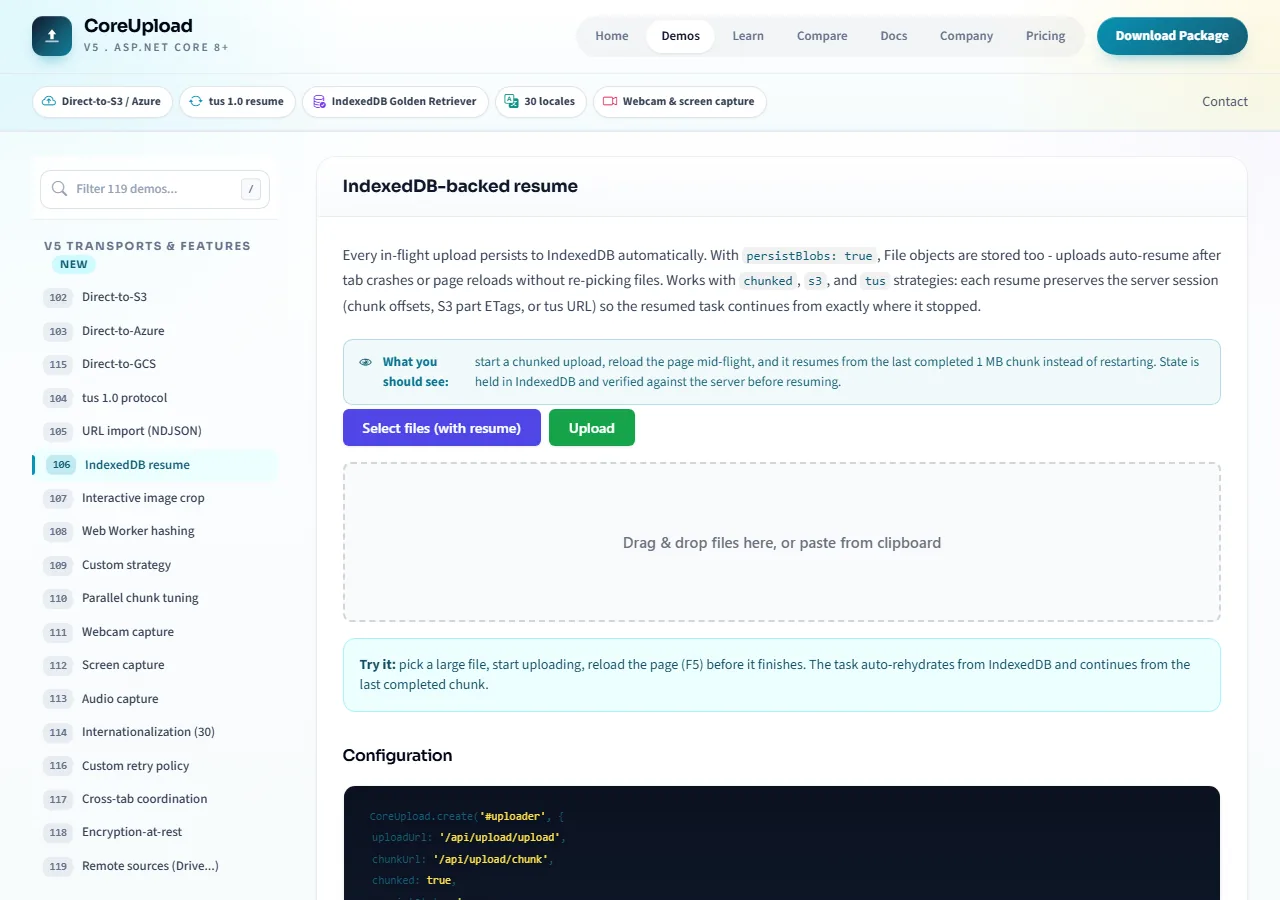
IndexedDB-backed resume
Pluggable persist adapter: localStorage (metadata only) or indexeddb (metadata + File blobs via persistBlobs: true). Call resumeFromState(entry, file?) to rehydrate; full server-side resume works for chunked, s3, and tus strategies.
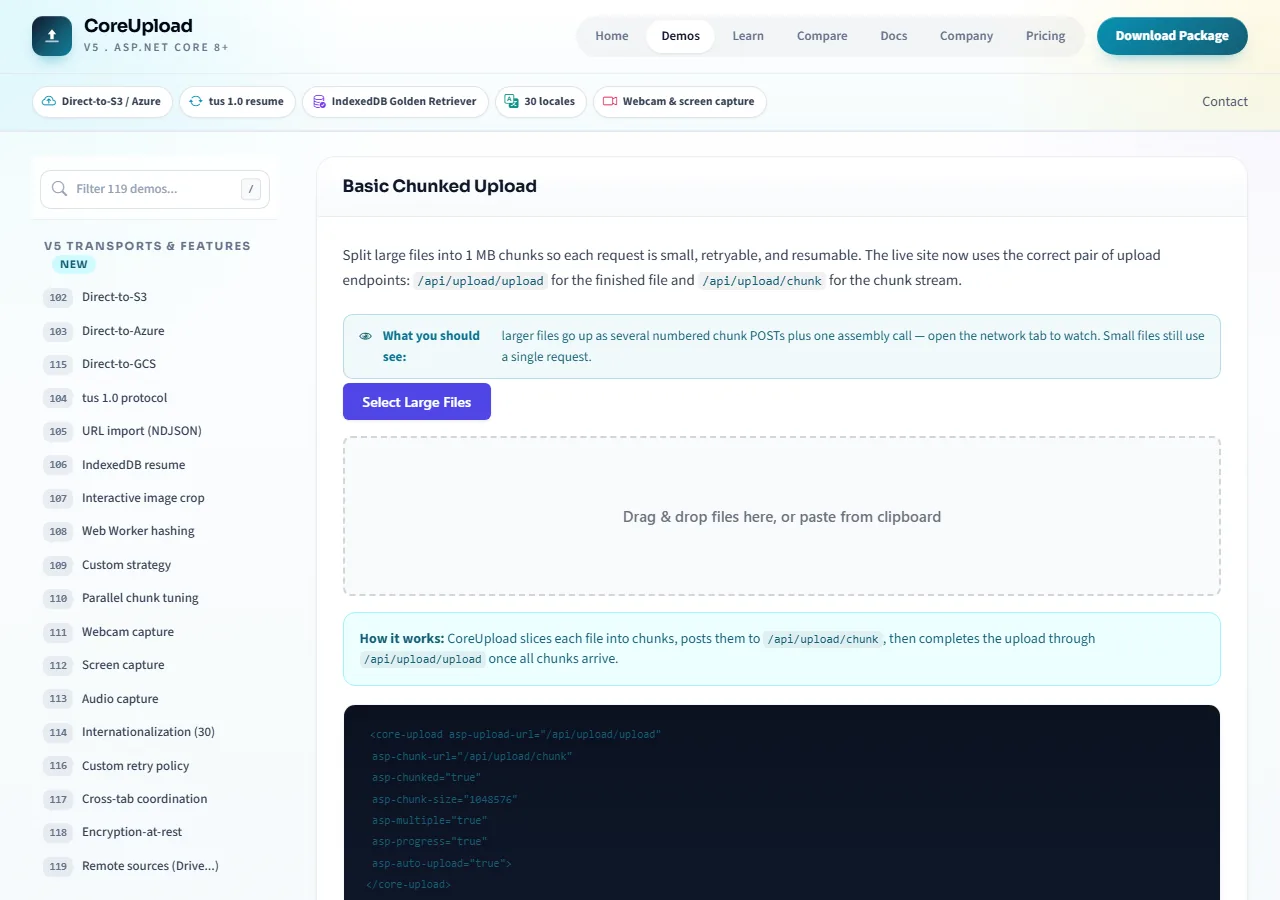
Parallel chunks with per-chunk retry
Configurable chunkConcurrency keeps the pipe full. Every chunk retries independently with exponential backoff. Progress is per-chunk and aggregates into a smoothed overall rate.
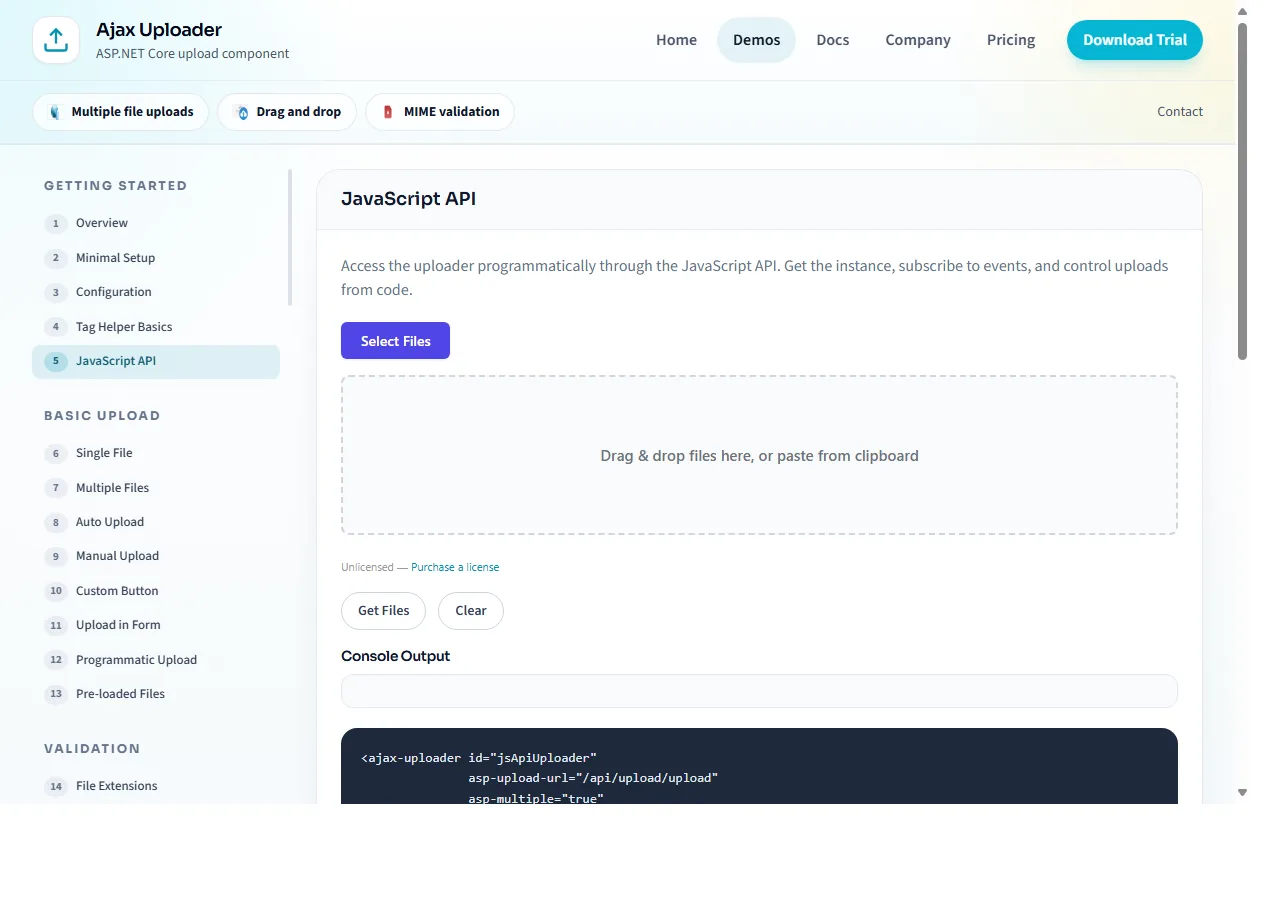
Web Worker hashing
SHA-256 and CRC32 run off the main thread via an inline Blob worker. Gigabyte hashing no longer blocks the UI, with a CSP-safe main-thread fallback if Workers are unavailable.
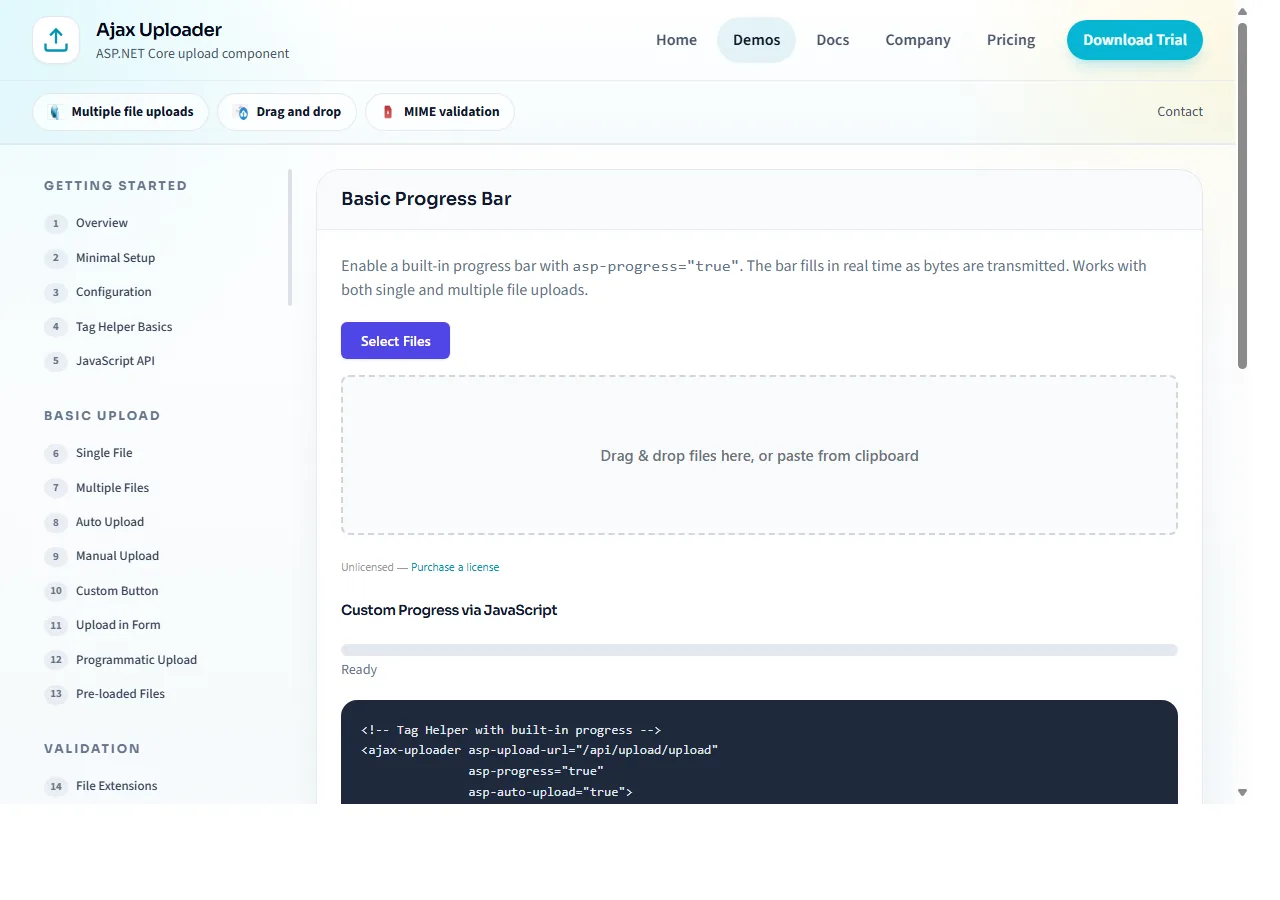
Smoothed progress & ETA
Sliding-window speed average, per-file and overall progress, estimated time remaining, pause/resume/cancel per task, and a rich event model for custom UIs.
Instant upload (content dedupe)
Opt-in: with instantUpload: true the client SHA-256-hashes the file and asks the server whether it already stores that exact content. On a match the task completes with the existing file's id and zero bytes are transferred. The server hashes stored uploads itself (EnableInstantUpload) - client-claimed hashes are never trusted.
Input sources
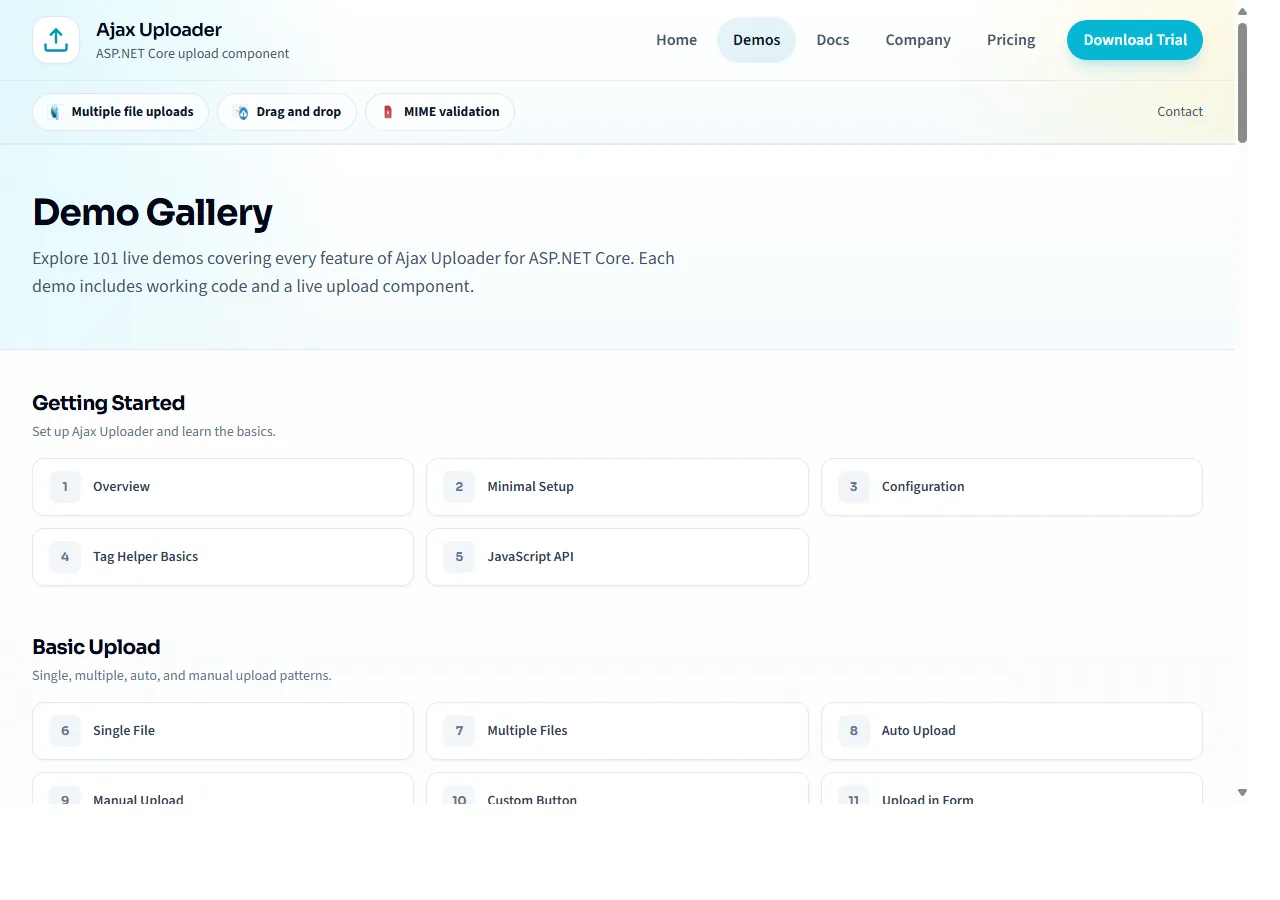
Batch file selection
Open the file dialog and select as many files as needed in a single action. The uploader queues each file, shows individual progress, and handles retries with exponential backoff.
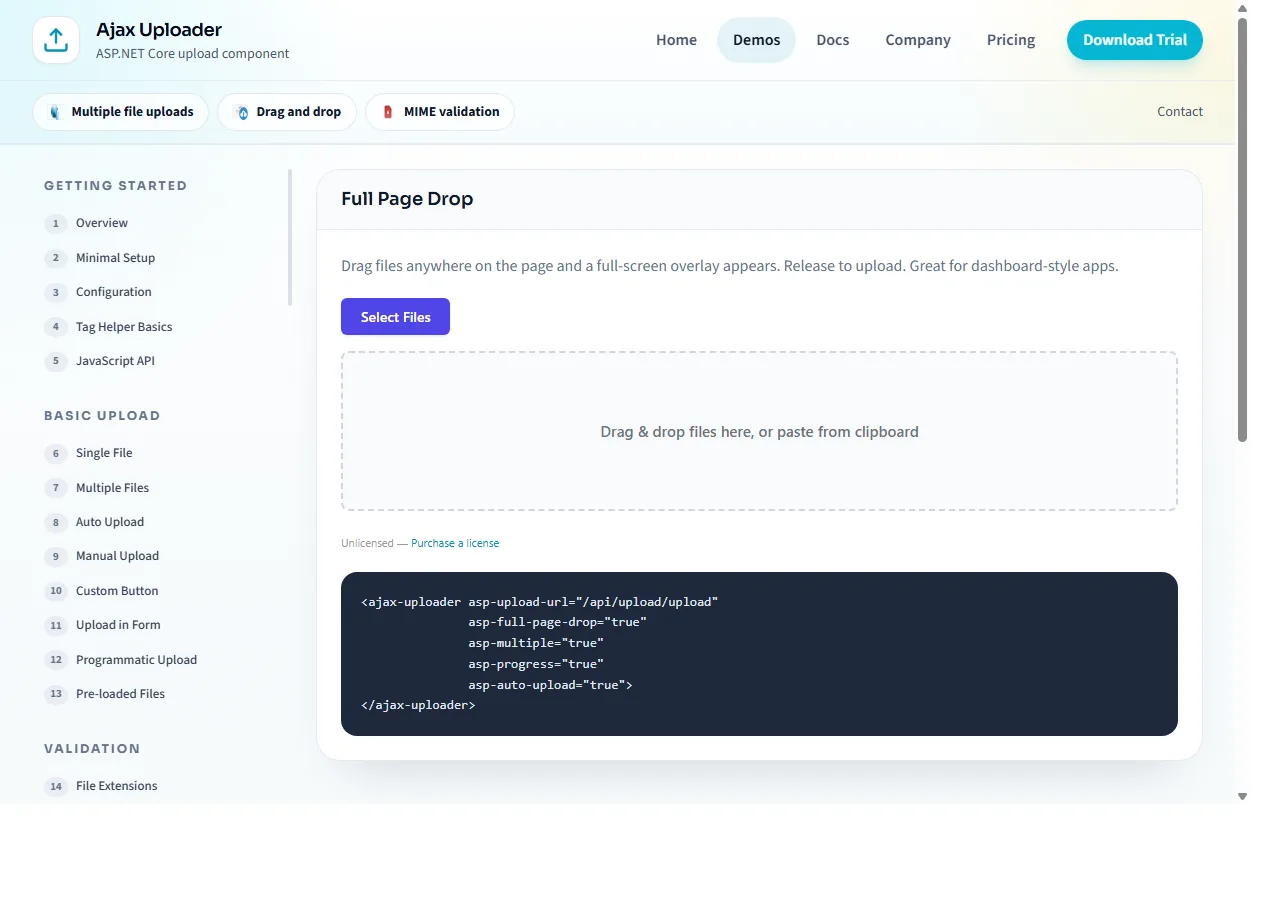
Drag and drop
Styled drop zones with hover feedback. Drag files or entire folders from the desktop straight onto the page. Works across all modern browsers.
Full-page drop overlay
A full-page drop zone activates when a user drags files anywhere over the browser window. Great for dashboards where the uploader may be below the fold.
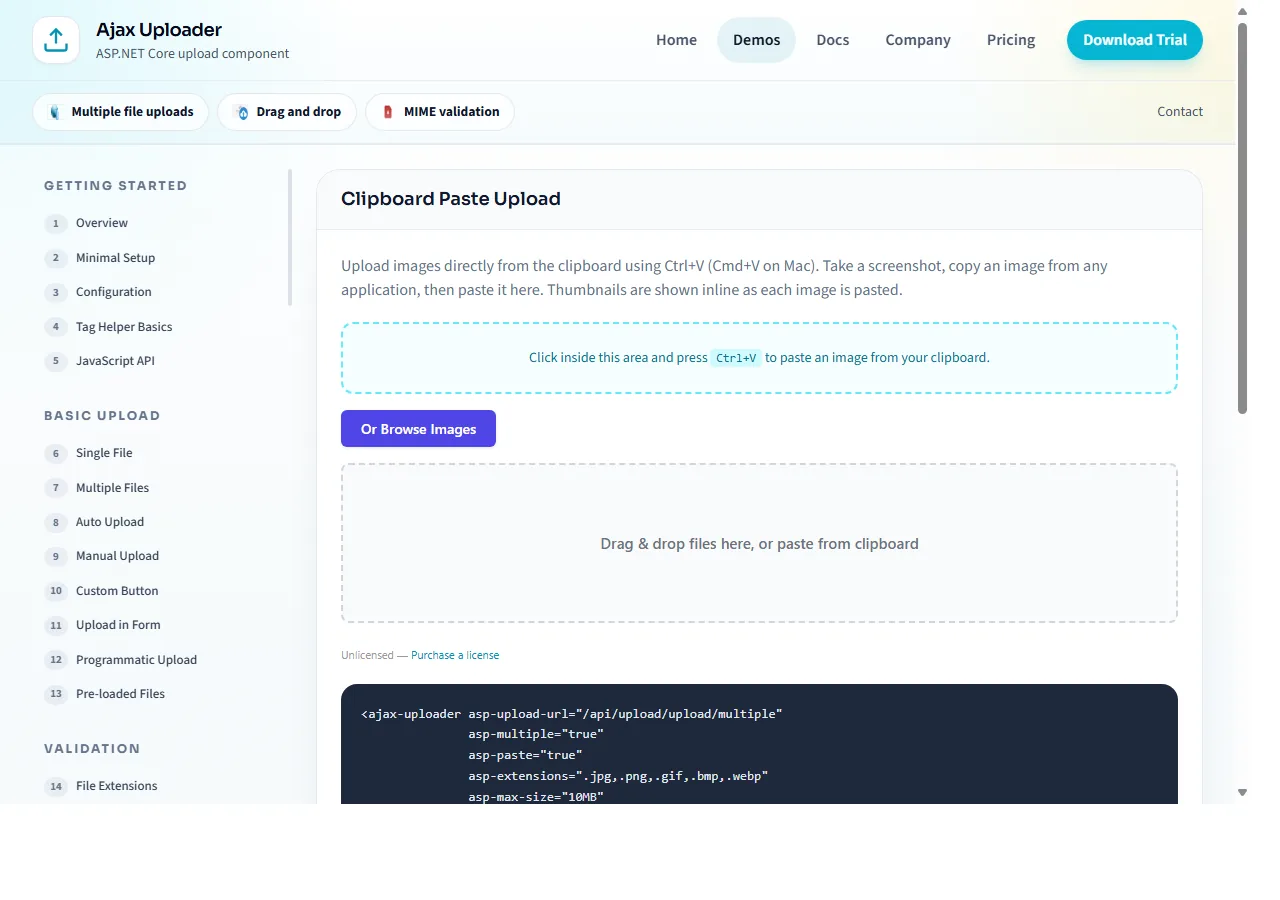
Clipboard paste
Paste screenshots and copied files directly into the uploader (Ctrl+V / Cmd+V). Ideal for screenshot workflows, support tickets, and chat-style interfaces.
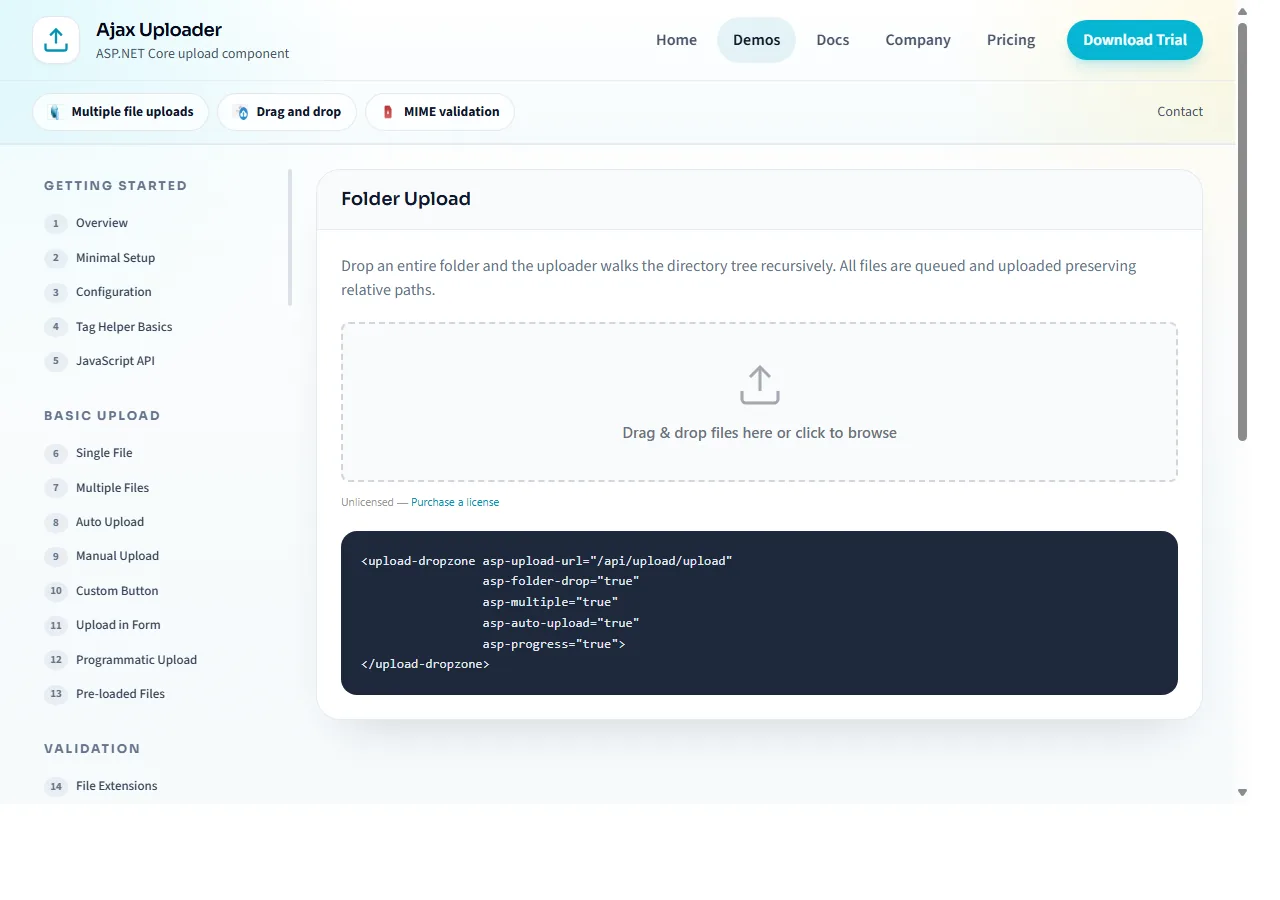
Folder upload with path preservation
Dropping a folder (or using the directory picker) recursively enumerates files and preserves each one's relative path - task.relativePath client-side, transmitted with the upload and stored server-side as UploadedFileInfo.RelativePath (traversal-sanitized), so your handler can recreate the tree with a single Path.Combine.
Image pipeline & editor
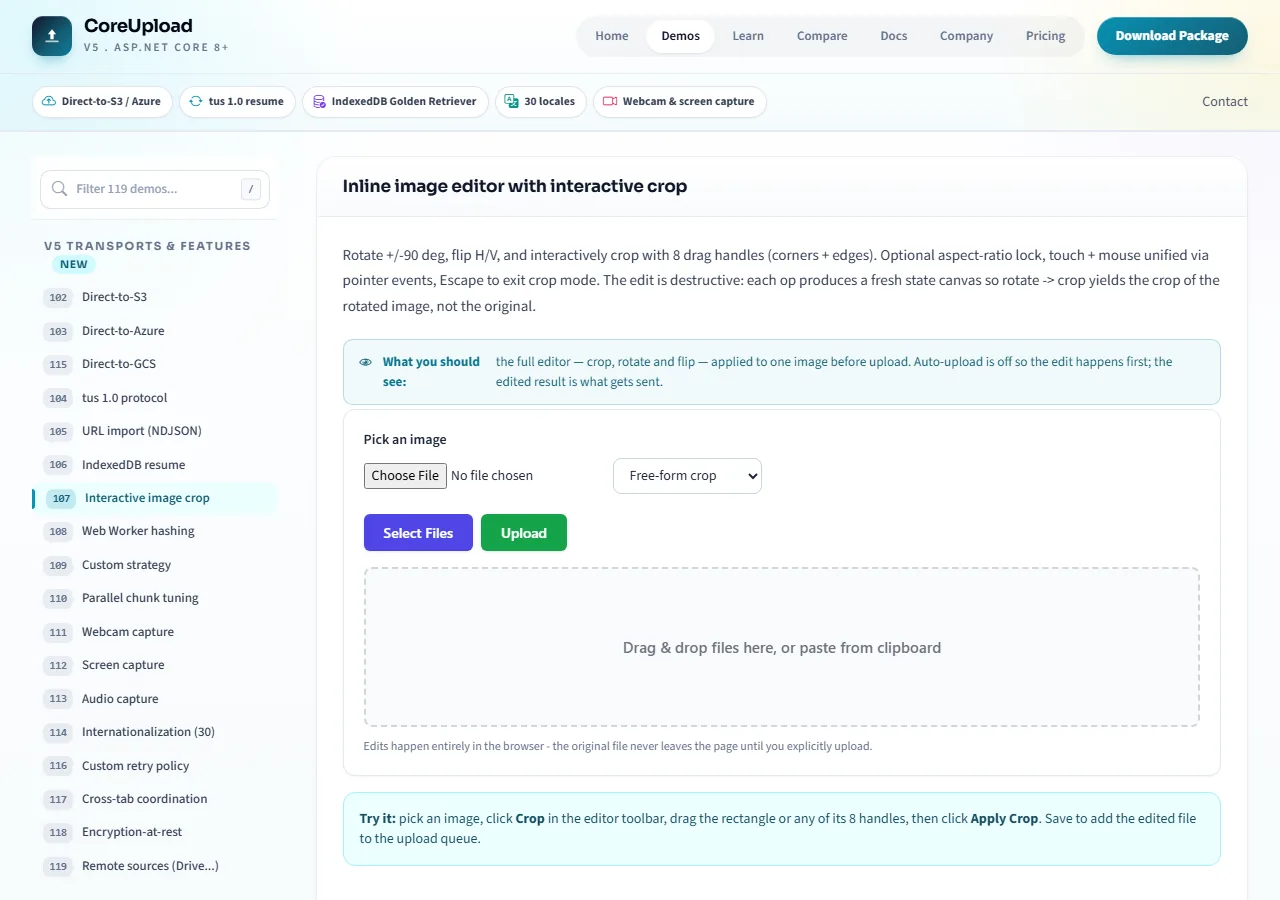
Inline image editor
Modal editor with rotate +/-90 deg, flip H/V, reset, and an interactive crop box with 8 drag handles (corners + edges). Optional aspect-ratio lock (1 for square, 16/9 for widescreen). Touch + mouse unified via pointer events. Auto-applies the in-progress crop on save.
Resize, compress, watermark
Client-side resize to a max dimension, JPEG/PNG compression at a configurable quality, text watermark with position + font options. All applied before the upload starts, saving bandwidth and server CPU.
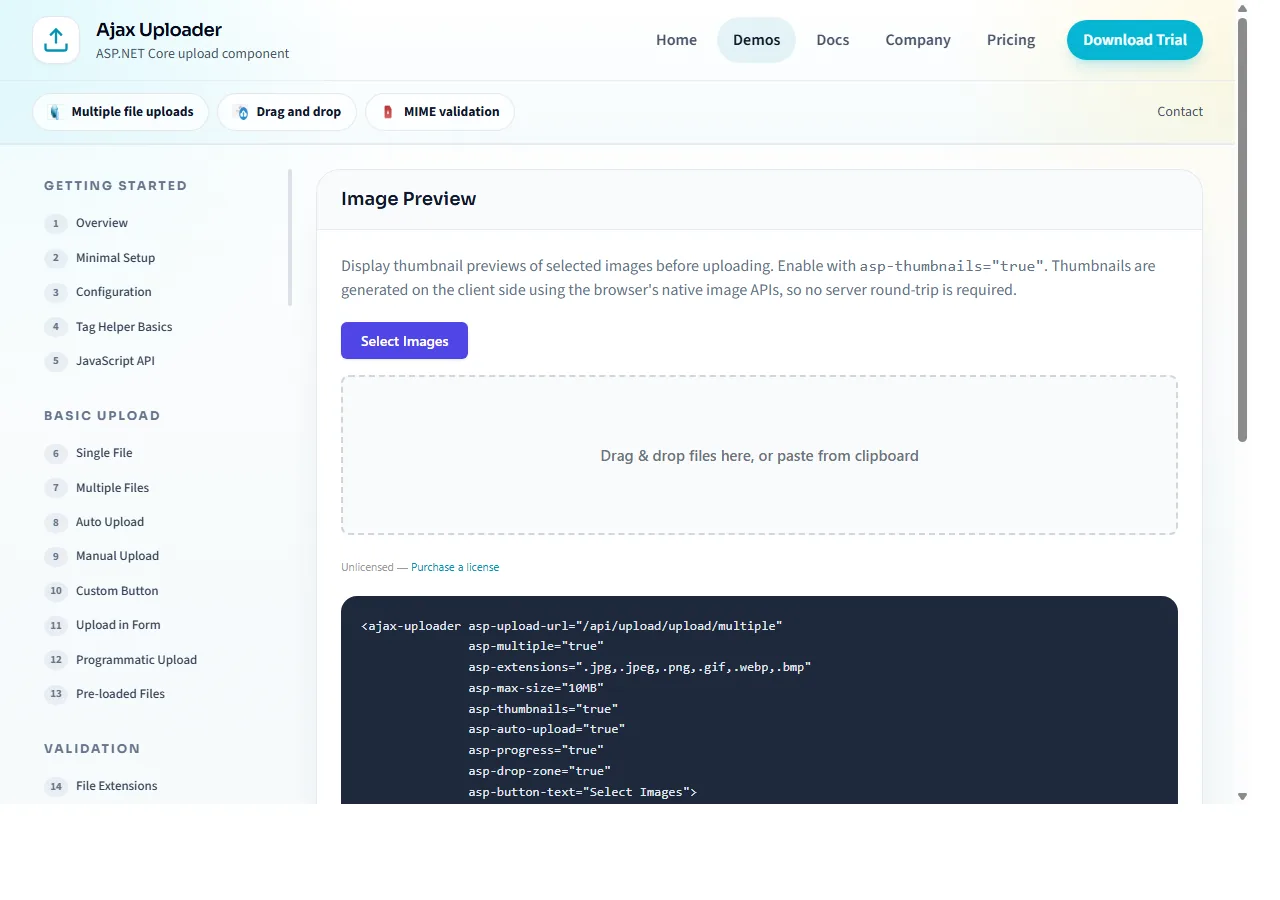
EXIF auto-orient + metadata
Reads EXIF orientation tags and rotates mobile photos right-side up before upload. Exposes full EXIF metadata (make, model, dateTime, GPS) on each task for custom workflows.
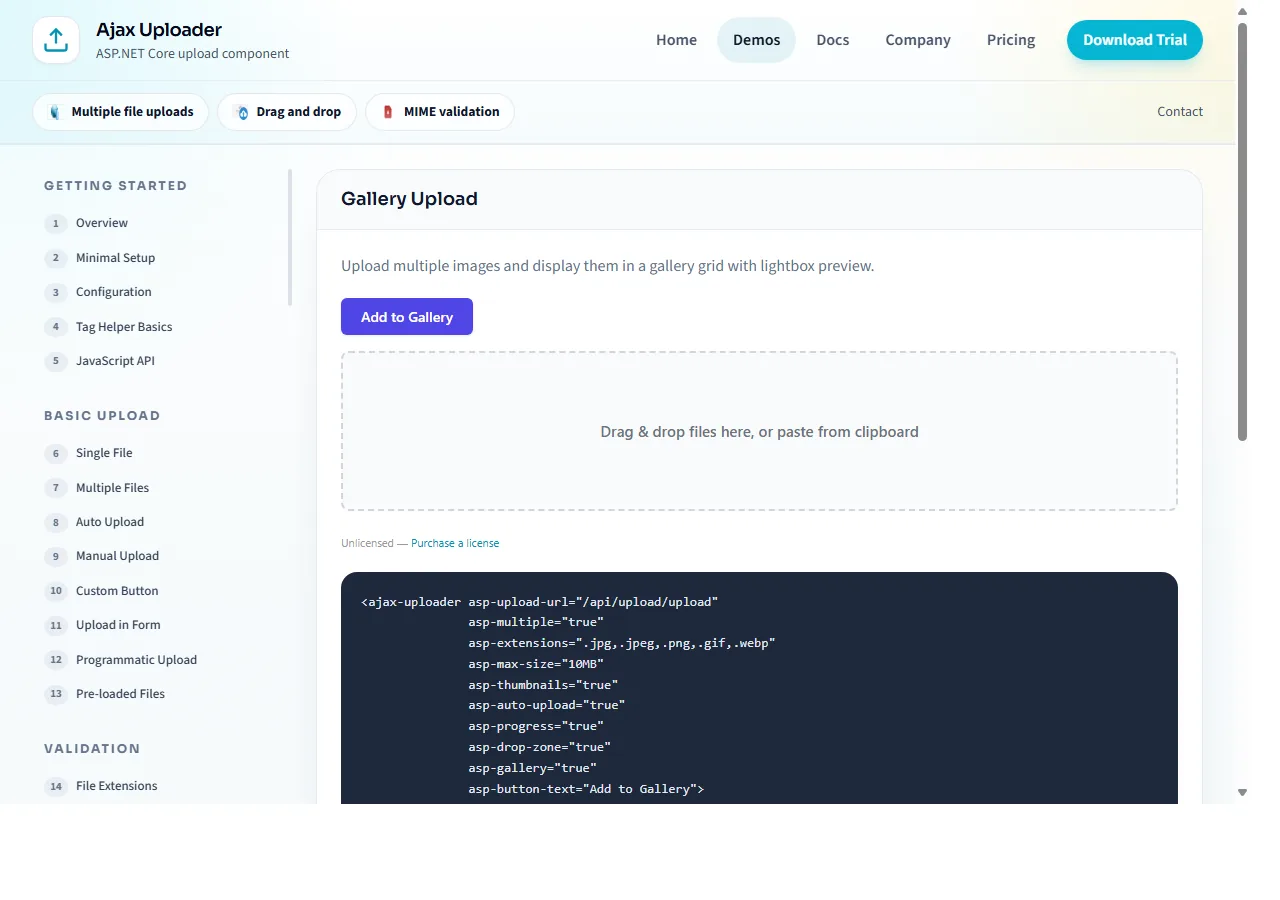
Thumbnails + lightbox preview
Client-side thumbnails for images, video, audio, and PDFs. Built-in lightbox preview for gallery layouts, with keyboard navigation.
Validation & security
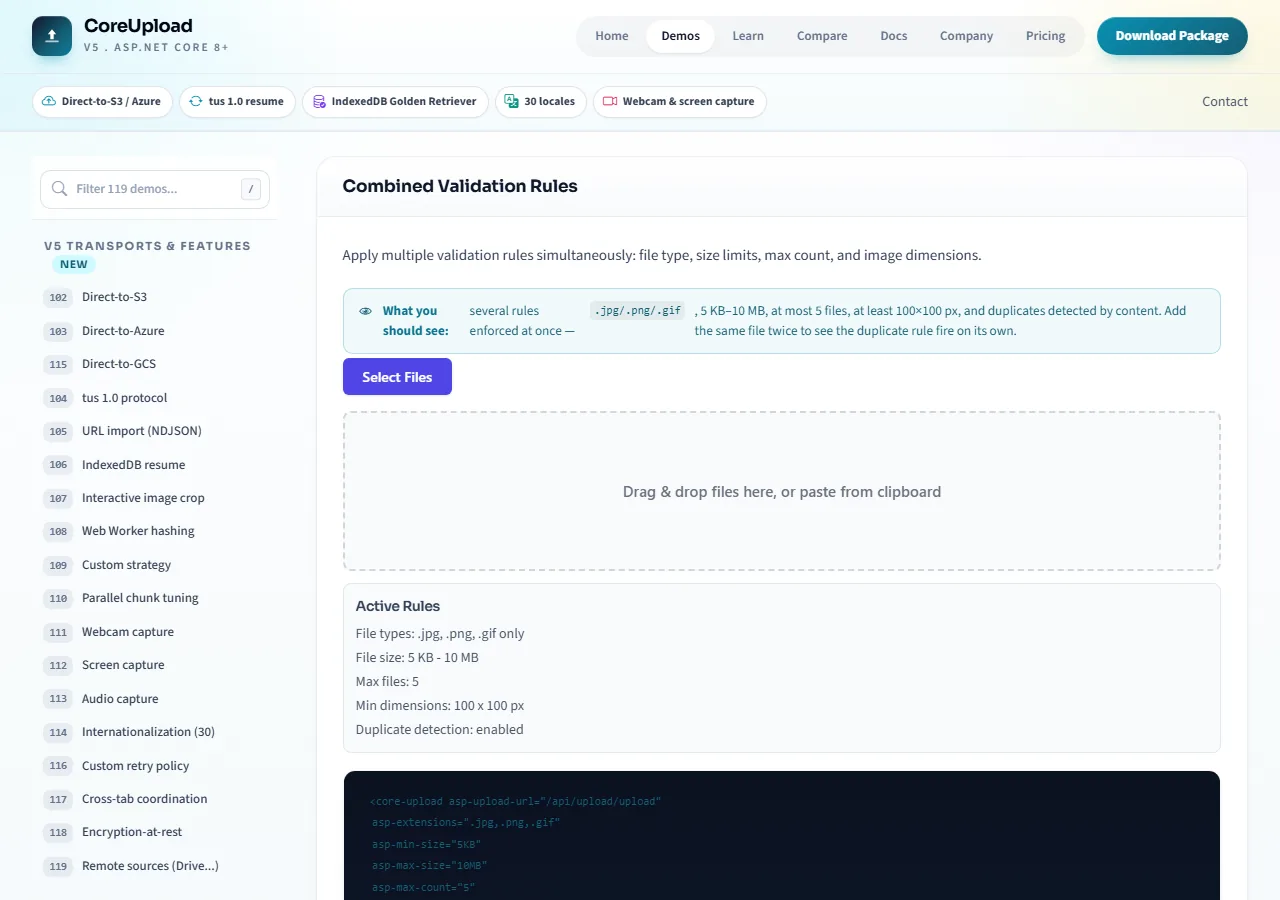
Multi-layer validation
Extensions, MIME types, file sizes (min/max), image dimensions (min/max width/height), duplicate detection, and custom rules. Enforced client-side before the upload starts, re-checked server-side on arrival.
Magic-byte MIME detection
Reads the first 16 bytes of each file to validate its actual format, catching spoofed extensions (e.g. .jpg that's really an .exe). Works for JPEG, PNG, GIF, WebP, PDF, ZIP, MP4, and more.
Content hashing (CRC32 / SHA-256)
Compute hashes entirely in the browser using Web Workers. Send to the server for de-dup, integrity verification, content-addressable storage keys, or signature workflows.
Antiforgery + auth integration
First-class ASP.NET Core antiforgery token support on every strategy. Hooks into [Authorize] pipelines and role-based access checks at the endpoint level.
ASP.NET Core architecture
Native Blazor component
Drop <CoreUploader /> into a Blazor Server or WebAssembly page - no JS interop to hand-write. Parameters configure the uploader (Chunked, MaxFileSize, WebkitDirectory, InstantUpload...) and EventCallbacks deliver strongly-typed results to your C#: OnTaskComplete, OnProgress, OnQueueComplete, OnError. Ships in the same NuGet package. Guide.
Tag Helper + DI
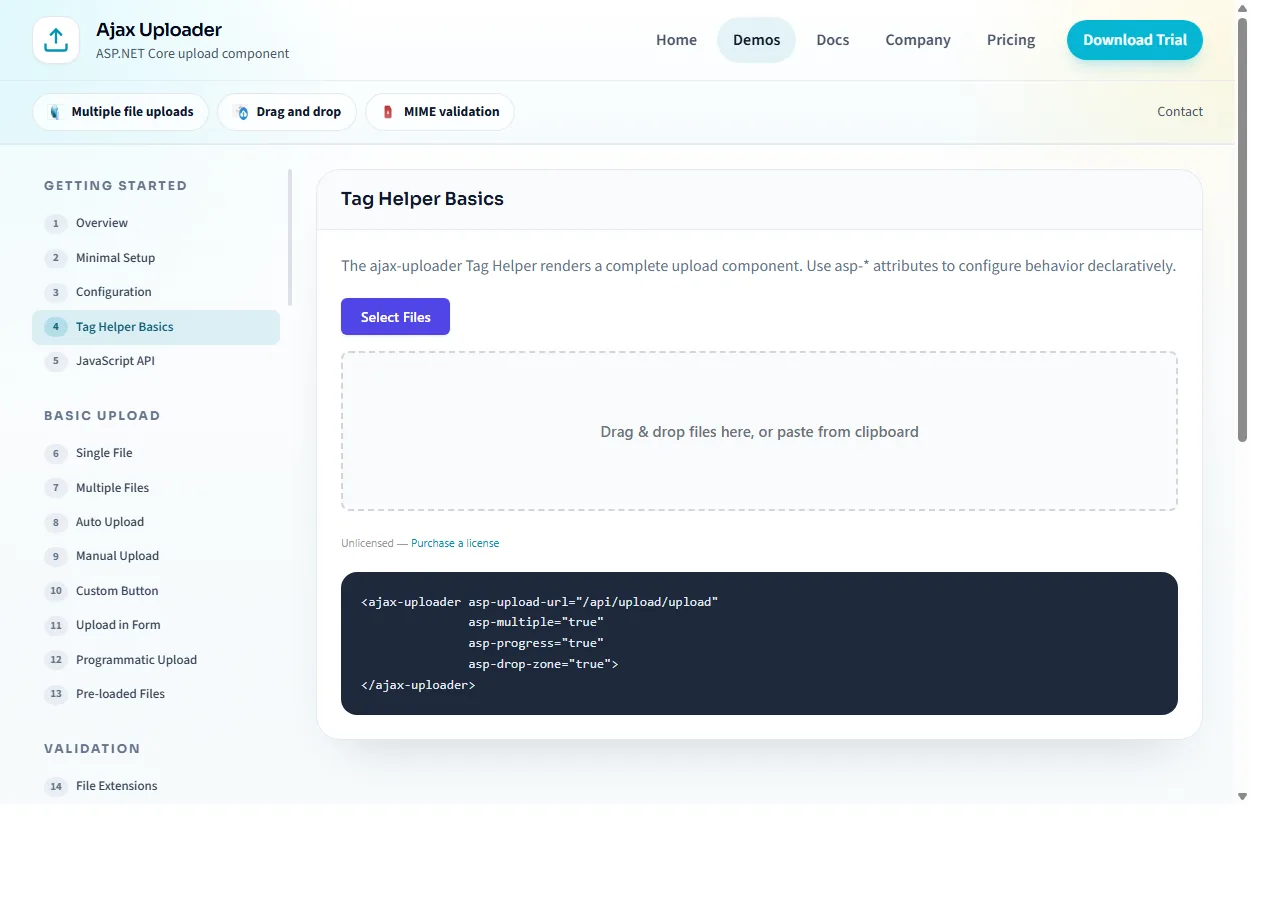
Register via services.AddCoreUpload(). Map endpoints with app.MapCoreUploadEndpoints(). Drop the <core-upload> Tag Helper into any Razor page. Works with minimal APIs, Razor Pages, MVC, and Blazor Server.
Pluggable providers
IUploaderProvider abstracts storage - FileSystemProvider ships in-box; plug in your own for S3, Azure, database, or CDN. IS3Signer, IAzureSigner, and IGcsSigner are thin interfaces the direct-to-cloud endpoints dispatch to via reflective DI, and the new IImageTransformer extension point honors URL-based transforms server-side. No AWS, Azure, or Google SDK bundled with the core library.
tus endpoint + TusStorage
Filesystem-backed TusStorage service registered via DI. Implements tus 1.0 Core + Creation + Termination extensions. Hands off to the upload pipeline on completion so every strategy lands in the same IUploaderProvider.
NDJSON streaming progress
The /import-url endpoint responds with newline-delimited JSON events when the client sends Accept: application/x-ndjson. Live progress during server-side URL fetch, parsed client-side via ReadableStream + TextDecoder. Backward-compatible single-JSON fallback for older clients.
Developer experience
Rich event system
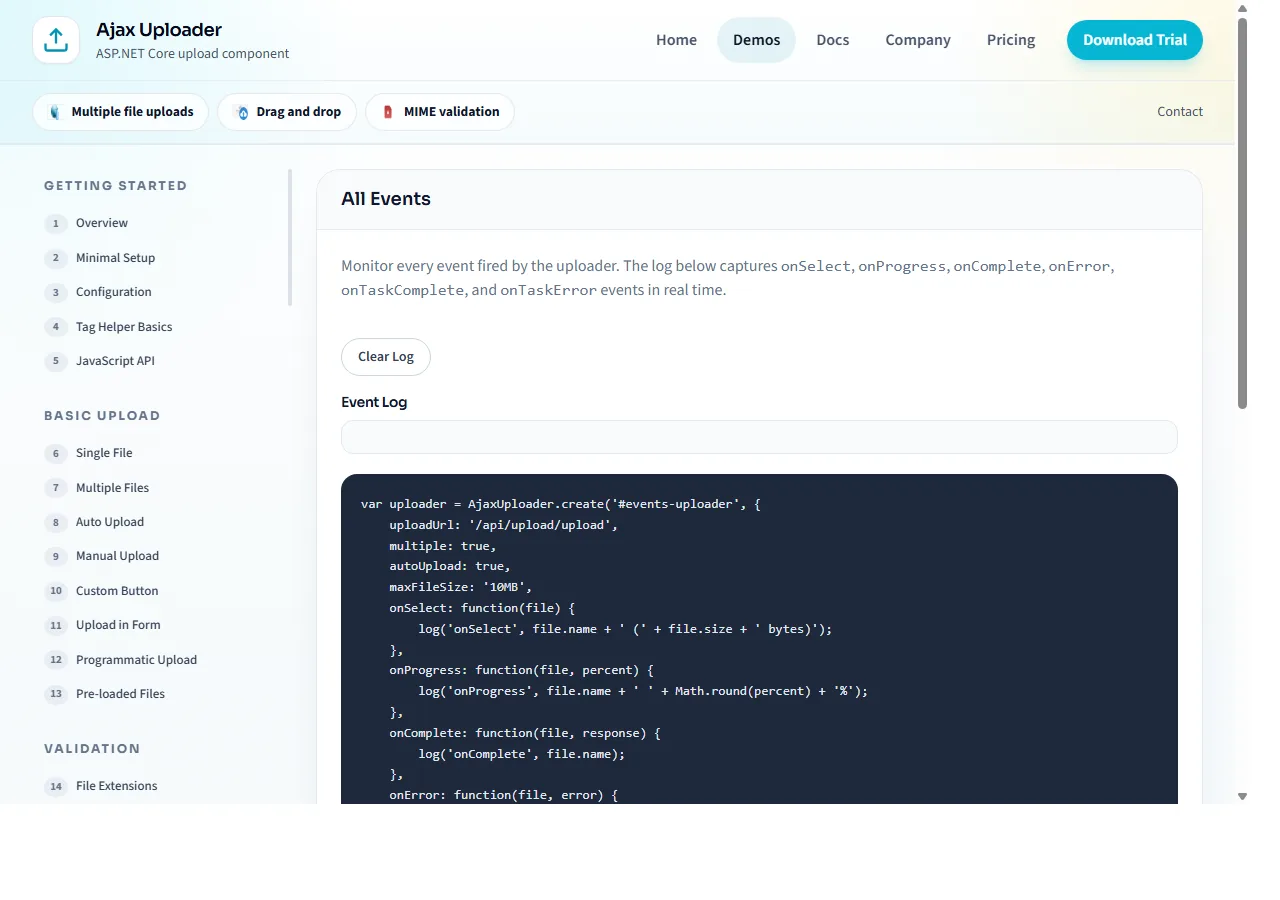
Hook into every stage of the upload lifecycle: fileAdded, uploadStart, taskProgress, chunkComplete, taskComplete, taskError, queueComplete, stateRestored, and more. Use on, off, and once for precise control.
TypeScript-ready JavaScript API
80+ public methods and properties, full TypeScript typings shipped in the MultipleUpload package. Convenience aliases (browse(), pause(), resume(), cancel(), clear(), retry()), static getInstance() lookup, per-task callbacks, and an exposed PersistAdapters registry.
Themes, dark mode, i18n
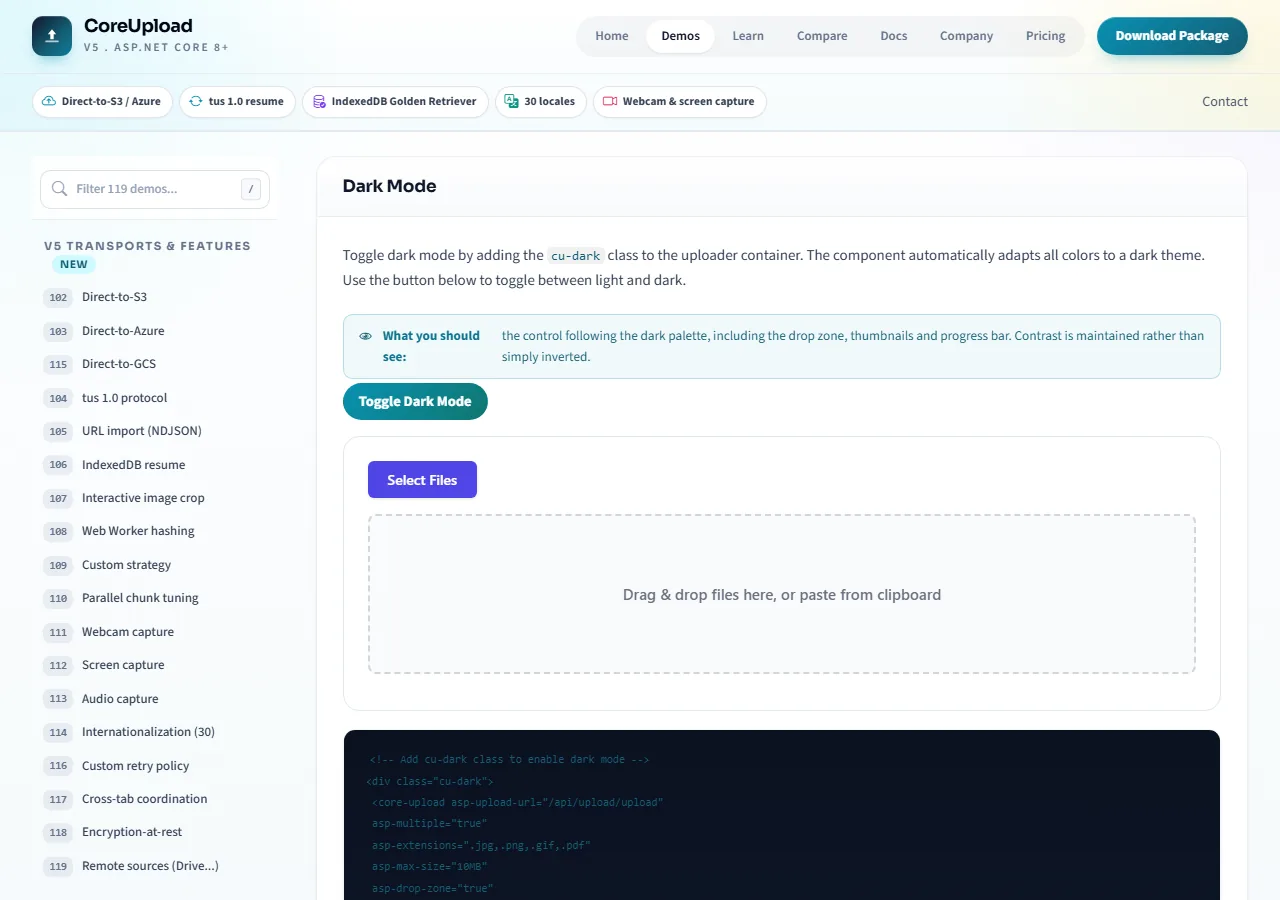
Default, Bootstrap, Tailwind, and dark-mode themes out of the box. 30+ CSS variables expose every color, radius, and spacing. Built-in locales; register your own with one object literal.
Accessible (ARIA, keyboard)
Semantic HTML with ARIA attributes, keyboard-navigable controls, and screen-reader announcements for upload status changes. Meets WCAG guidelines out of the box.
Cross platform, cross browser
Runs on Windows, macOS, and Linux. Supports Chrome, Firefox, Safari, Edge, and all Chromium-based browsers. Responsive layout adapts to mobile and tablet. Zero external dependencies.